



/Other%20pages/Stylish%20woman%20making%20videos%20in%20Android%20app.webp)
/Video%20creation/video-merger-all-video-needs.webp)
.webp)
/Video%20creation/green-screen-step-4.webp)
/Video%20creation/video-cutter-trim-seconds.webp)
 One-click animations
 Multi-track editing
 Your choice of resolution
 Trim, cut & merge clips
 Video templates
 Saved to the cloud
/Video%20creation/meme-maker-hero.webp)
/Video%20creation/video-merger-blog-2.webp)
/Stock%20(with%20filter)/AdobeStock_357783860.webp)
Turn your ideas into videos
ONLINE VIDEO EDITOR SCREEN RECORDER GREEN SCREEN INTERACTIVE VIDEO
VIDEO TRIMMER VIDEO MERGER ADD TEXT ADD MUSIC
MOVIE MAKER YOUTUBE VIDEOS VIDEO ADS VIDEO TEMPLATES


With our video editor for Android, your project is one and done. By that, we mean this: make your video once in the app and then instantly resize it to all the most popular aspect ratios.
Go vertical for a TikTok clip or stick with square for an OG-style Instagram post. You can even choose horizontal — great for displaying on desktops or TVs.
From Instagram Reels to YouTube Shorts, bite-sized, mobile-friendly video content is bigger than ever. So keep up with the changing-every-second trends by creating in WeVideo!
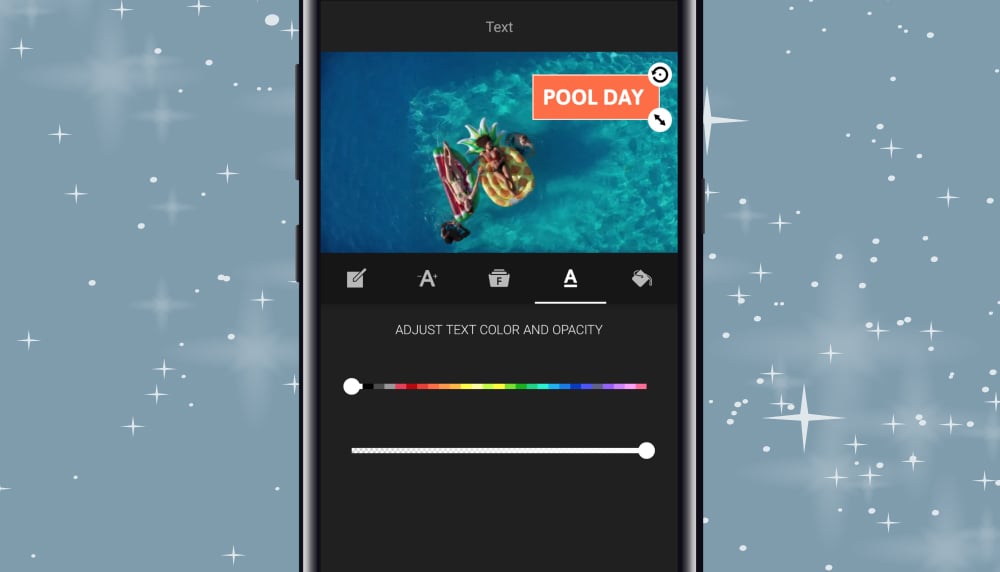
Open our video editing app for Android from wherever you are, and you've got everything you need: motion titles, background music & more. (Way more.) Oh, and did we mention it's free?
When the app's so easy to use, what you make in our video editor comes down to you.
Take your favorite vacation snapshots and make a heartwarming social media post. Stitch together some staff interviews and use their insights as part of your employee training. Have students use their imaginations to make creative unit reviews. Whatever you need, make it on Android!